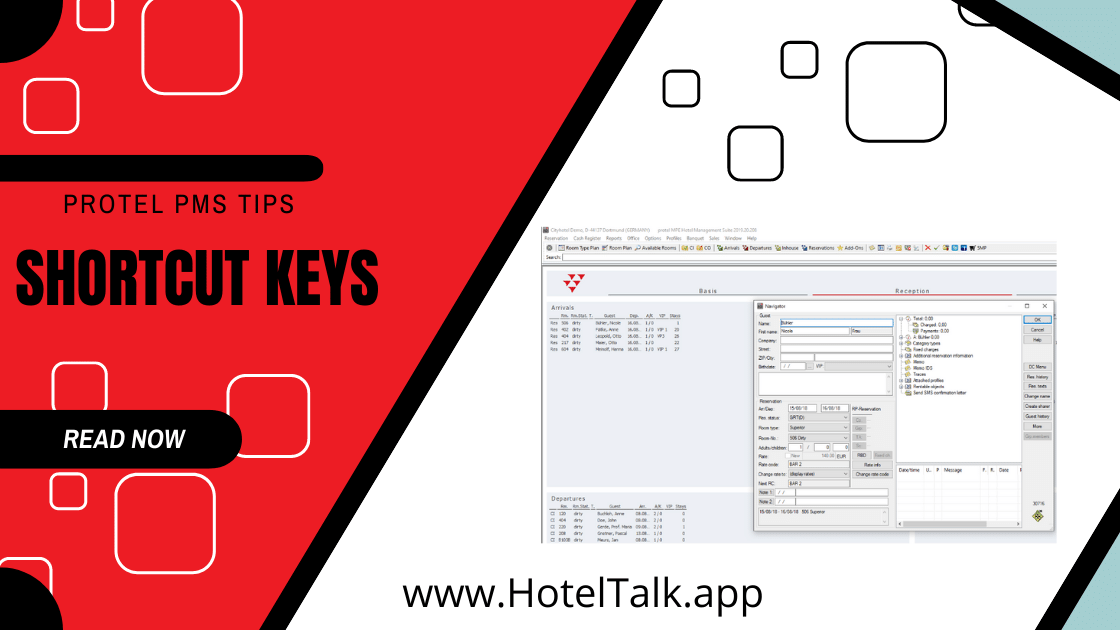
Complete List of Shortcut Keys for Protel Hotel Software
- F1 – Opens the help file of the currently open dialogue box.
- F2 – Opens the Room type plan.
- F3 – Opens the Room plan.
- F4 – Whilst room plan is open: Conducts check in for the highlighted reservations in the room plan.
- F5 – Whilst room plan is open: Conducts check out for the highlighted reservations in the room plan.
- SHIFT + F5 – Opens the Information book.
- F6 – Opens the Arrival list.
- F7 – Opens the Departure list.
- F8 – Opens the In-house list.
- SHIFT + F9 – Opens the Reservation list.
- F10 – Highlights the menu item “Reservation” in the menu; that way the menus can be opened with the arrow keys.
- F11 – Opens the Sales enquiry.
- F12 – Opens the Room type plan in display mode. (Note: No reservations can be done under this mode.)
- SHIFT + F12 – Opens the list of available rooms.
- Ctrl + F5 – Lock Logged in User
🧰 Free Hotel Tools & Workspaces
Access practical hotel calculators, operational tools and shared workspaces for housekeeping, maintenance, front office and everyday hotel operations. Free to use with no installation required.
Explore Free Tools →
❤️ Community Supported Since 2011
Help Keep SetupMyHotel Free
For over a decade, SetupMyHotel has helped hotel professionals, students, and hospitality teams around the world with free SOPs, training materials, templates, and operational resources.
By becoming a Patreon member, you help us continue creating new hospitality content while gaining access to exclusive tools, downloads, and member-only features.
Unlock Premium Tools →