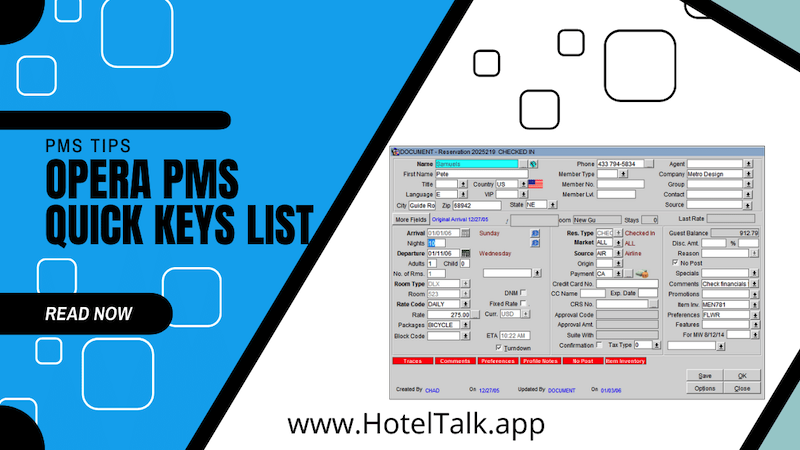
Check out the Opera hotel software / Opera PMS Quick Keys Below!
FUNCTION KEYS ( F1 TO F12 KEYS APPEARING ON YOUR KEYBOARD )
- F1 – Opera Help
- F3 – Room Search
- F4 – Calendar
- F5 – Rate Query
- F7 – New Reservation
- F8 – Logout
SHIFT KEYS ( PRESS AND HOLD THE SHIFT KEY AND PRESS THE BELOW FUNCTION KEY )
- F1 – Occupancy Graph
- F2 – Control Panel
- F3 – House Status
- F5 – Floor Plan
- F7 – Telephone Book
- F8 – IFC Member
- F9 – Diary
CONTROL KEYS ( PRESS AND HOLD THE Ctrl KEY AND PRESS THE BELOW FUNCTION KEYS)
🧑🔧 Free Housekeeping Staff Hub
Give housekeeping staff a simple mobile hub to update room statuses, report maintenance issues and log found items.
Open Staff Hub →
- F1 – Opera Help
- F2 – Detailed Availability
- F3 – Rooms Plan
- F4 – Dashboard
- F5 – GRC
- F7 – Operator
- F8 – Maximum Availability